
"My operators only need two screens."
Give the shop floor a simple Operator role with just the Order Tagger and Stock Scanner. No stock values, no purchase orders, no settings. Managers keep the full picture.
Palletable Account Management gives every person their own login, locks each one to exactly the screens and features they need, and records who moved, counted, bought and packed what.



Palletable Account Management was built inside a working factory, where operators and managers need very different things from the same system.
Give the shop floor a simple Operator role with just the Order Tagger and Stock Scanner. No stock values, no purchase orders, no settings. Managers keep the full picture.

Every movement, count and delivery carries the name of the account behind it, with the quantity before and after. No more asking around the warehouse.
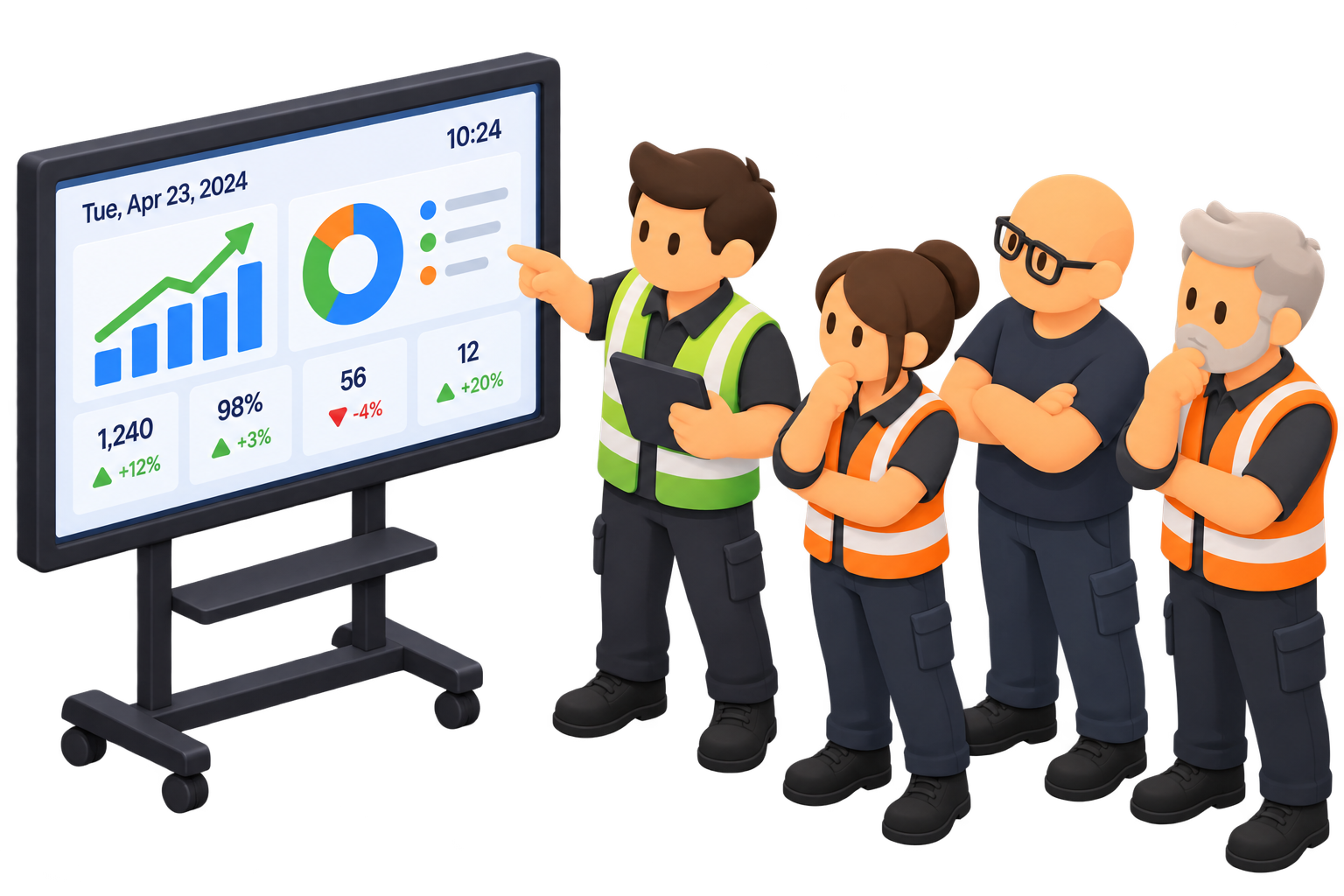
Items scanned at Order Tagger stations are recorded against the person who scanned them, so you can see who did what, when, and how much of it.
One module, eight capabilities, all working from the same live accounts.
Your own plus 24 more, 25 in all.
Need more people? Add packs of 25 for £50 a month.
Build a role once. Give it to as many accounts as you like.
Not just modules. Tick the individual features inside them.
Choose which sites each account can see.
Cap what each account can order. Bigger orders wait for approval.
Every movement, count, delivery and scan carries a name.
The Admin account always has every module and every location.
The person scanning stock on the shop floor does not need purchase prices, supplier scores or the subscription page. Give each role a screen that fits its job.
Choose the modules a role can open, then tick the features inside them. This is everything that can be access controlled. Pick an example role, or click any feature to build your own.
Example roles only. Change them whenever a job changes.
Because everyone signs in as themselves, Palletable can answer the questions that usually start an argument, in seconds.
 Tom142Priya118Jon96
 Stock Scanner lives hereInventory Management
Live stock, counts and trails. Every entry shows who made it.
See Inventory Management →
You are hereAccount Management
Accounts, roles and access for everything you have bought.
 Order Tagger lives hereOrder Management
Track every order from placement to dispatch, with who scanned each item.
See Order Management →£199 per month, including 25 user accounts (your own plus 24 more), 5 GB of data storage and 1 location. It can be bought on its own. Extra accounts are £50 per pack of 25 (£2 an account), extra sites are 50% of your monthly module price and extra storage is £5 per 5 GB. There is no lock-in and you can cancel any time.
25. Account Management adds 24 accounts to the one every organisation starts with. When you need more, add packs of 25 for £50 a month each from Organisation Settings. An account only counts towards your total while it is active, so switch off anyone who leaves and their place is free again.
First, which modules each account can open. Then, inside each module, individual features: for example View Stock Trails, Send To Suppliers, Download Job Sheets, Site Setup or View Passwords. You can also choose which locations an account can see and cap the order value it can raise in Procurement. Bundle it all into a role such as Operator, Buyer or Manager, and pick that role when you create an account. The full list is on this page.
Yes. Give an Operator role only those two and that is all they see after they sign in, with no stock values, purchase orders or settings to get lost in. Stock Scanner comes with Inventory Management and Order Tagger with Order Management, so your organisation needs those modules to hand them out.
Stock trails record every movement, count and delivery with who made it, when, and the quantity before and after. Order tracking shows each item with who scanned it and when. Procurement records who created, edited, sent and delivered every purchase order. Each person signs in with their own username, so every entry carries a name.
Switch their account to inactive. They can no longer sign in, their place no longer counts towards your accounts, and the history they created stays on the record. The Admin account can never be locked out: it always has every module and every location.
Yes. Press Try demo to open a read-only demo account where you can explore the Account Management screens without changing anything.