
"Where is order 4817 right now?"
Search an order number and see each item drawn on its work plan: every workstation scanned, who did it, when, and which consolidation cell it is waiting in. No chasing, no guessing.
Palletable Order Management takes an order from sales order to shipped parcel: job sheets, barcode scanning, batching, consolidation, SLA tracking and client analytics, all set up around the way your factory actually runs.


Summary sheet and every job sheet ready to download.
Palletable Order Management was built inside a working print-on-demand factory to fix four problems every operations team recognises.
Search an order number and see each item drawn on its work plan: every workstation scanned, who did it, when, and which consolidation cell it is waiting in. No chasing, no guessing.

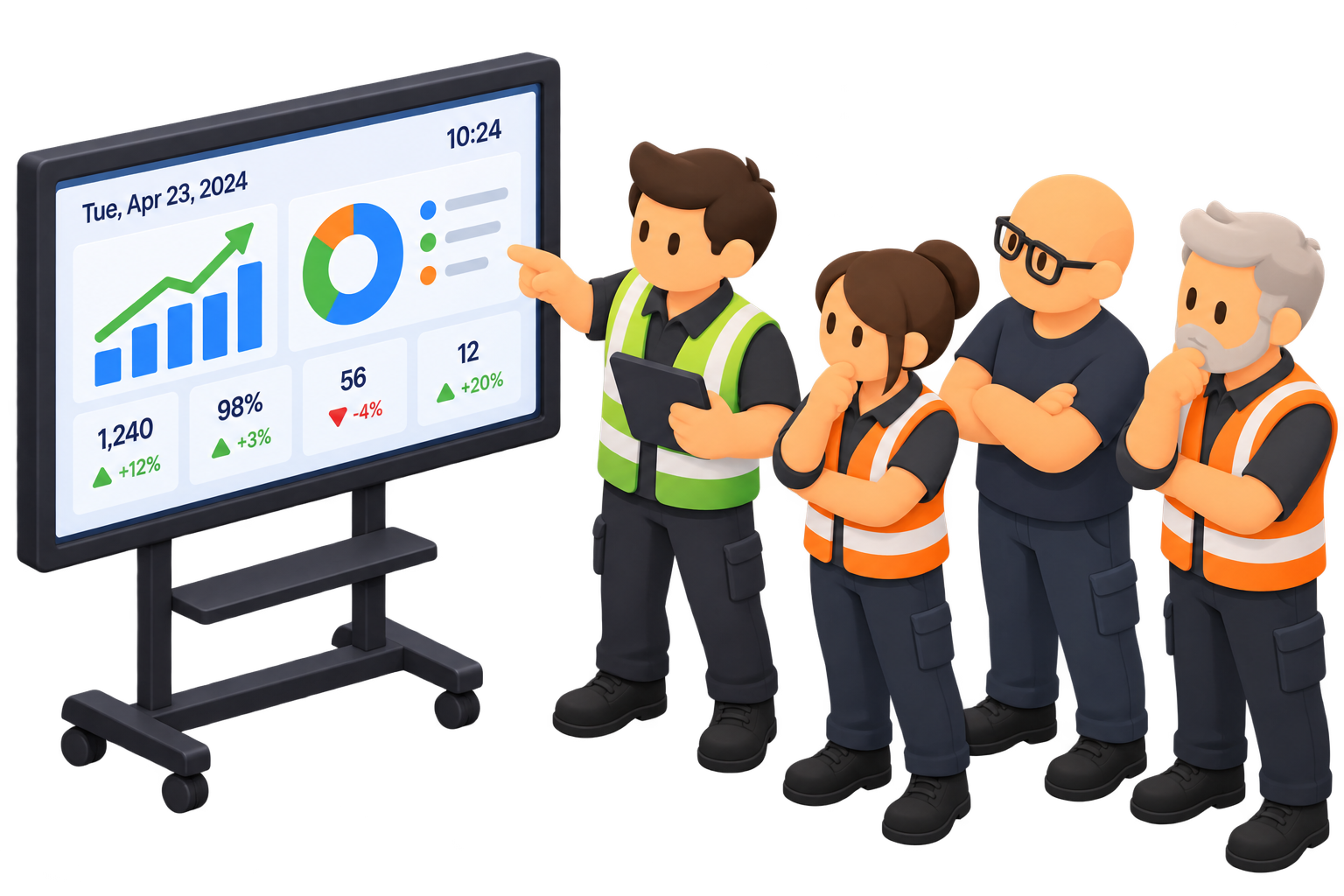
Every shipped order is judged against its due date. See on-time % by product category, with weekends in or out, and every outstanding late order listed by the day it was due.
Give every SKU a bill of materials from your stock parts and Palletable works out the materials cost and the margin per unit for you, as you build it.
Your bill of materials links every product to the parts it uses. With the Inventory and Procurement modules, that becomes materials planning: see what an order needs against what's on the shelf, and re-order before you run short.
Order management and manufacturing set-up in one module, all working from the same live numbers.
Search, filter and group every order.
Create orders and download a PDF sales order.
One order, or every matching order in one PDF.
Every item drawn on its work plan.
On-time % by category, weekends in or out.
Scan at every station, on a scanner or a phone.
Group orders into batches and run them together.
Hold part-finished orders in a cell until they are whole.
Orders, units, spend and SLA for every client.
Stock parts per SKU, with materials cost and margin.
Draw each product's route through the factory.
Choose the layout and which attributes appear.
Centralise all your orders and find any of them in seconds by number, client, product or due date. Key orders in by hand, or let them flow in automatically from your storefront or internal systems. Download a job sheet or PDF sales order for any of them, all in one place.
 API DocsSend orders in from your store or systems
Every order matching these filters goes into one PDF, grouped by job sheet template.
Sample data. Dates are worked out from today. Nothing here is downloaded or saved.
Design a job sheet template once, attach it to your product SKUs, and Palletable prints the sheet your operators need. Download one order's sheet, or every order matching a filter in a single PDF, grouped by template.
Items made at different stations rarely finish together. Consolidation areas are grids of cells where part-finished orders wait. Scan an item in and Palletable picks a free cell. When the last item arrives, it tells the operator exactly what to collect.

Scan an order barcode with a handheld scanner or a phone camera and the Order Tagger loads the order and every item on it. Tick what you have made, submit, and it is on the record with who and when.
 Complete this batch?
This logs 47 units in BTH-0231 as done at Packing. Every order in it moves on together.
Build a work plan for where each product is expected to go: workstations, consolidation areas and document printers. Every order then gets its own flowchart that lights up along that route as its items are scanned.
Build Your WorkplanEvery shipped order is judged against its due date. Filter by client, count units or orders, leave weekends out, and drill into the late orders still outstanding.
Pick a client and a date range to see their orders, units and spend, how many of their orders shipped on time, which products they buy, and when their units are coming in.
Tie every product SKU to the stock parts it is made from. Palletable then keeps an eye on whether you can fulfil your orders, and tells you when to replenish before you run short.
CNV-4060 → 4 partsList the stock parts each product is built from and how many one unit uses. Palletable totals the materials cost and shows the margin per unit.
 38 of 41 open orders covered
Every open order is checked against the parts you hold, so you can see which can be built today and which are short before production starts.
 Pine frame kit · due Thu
Low parts are flagged and reordered from your suppliers, and deliveries on their way count towards what you can make next.
Everything the orders screens rely on is configured in Manufacturing Setup, and it is included with the module.
Define each SKU with an alias, a category, a work plan, a job sheet template and prices.
Pick a layout, choose the attributes that print, and see a live A4 preview as you edit.
Draw the route a product takes by dragging between shapes. Zoom, fit and save.
Name your workstations, attach their document printers and size your consolidation areas.
Every order gets its own copy of the work plan that lights up as its items are scanned at each step.
See the big picture across every order: on-time performance, and what each client buys and spends.
 Plans your purchasingProcurement
Low parts turn into purchase orders to your suppliers, with a full audit trail of what was ordered.
Procurement →
Feeds your BOMInventory Management
Bill of materials lines are the stock parts you already track, with their unit costs.
Inventory Management →
You are hereOrder Management
Orders, job sheets, scanning, batching, consolidation, SLA and client analytics.
Also in PalletableYour Integrations
Connect carriers, marketplaces and the systems you already rely on.
API Docs →£349 per month, including 1 user account, 5 GB of data storage and 1 location, with Manufacturing Setup included. Extra sites are 50% of your monthly module price, extra accounts are £50 per pack of 25 and extra storage is £5 per 5 GB. There is no lock-in and you can cancel any time.
Orders, job sheets, tracking and analytics work on their own. Bill of materials lines are stock parts from the same site, so that part of the module builds on the parts you track in Inventory Management.
None to get started. Palletable runs in a web browser (Chrome 76 or similar) on Windows, macOS and ChromeOS. At Order Tagger stations operators scan items with a barcode scanner on a screen such as a Chromebook. Job sheets carry the barcodes, so an ordinary document printer is enough to print them. Tried and tested hardware is available from the Store inside your account, but it is optional.
Each product SKU is attached to a job sheet template. The template sets the layout (Central, Split, Alt Split or Listed), and which attributes print. Every sheet carries the client, order number, delivery details, courier, item count and a lead barcode, plus a barcode for every item. Download one order's sheets, or every order matching a filter in a single PDF grouped by template.
Items are scanned at Order Tagger stations. Each product has a work plan, a flowchart of workstations and consolidation areas, and every scan marks that step done with who scanned it and when. Search an order in Order Tracking to see each item drawn on its work plan.
A shipped order is judged against its due date: shipped on or before it is on time, after it is late. Orders still unshipped past their due date are listed as outstanding late orders by due date. You can count units or orders, include or exclude weekends, and filter by client or product category.
A consolidation area is a grid of named cells (A1, B2 and so on) where part-finished orders wait. Scanning an item in puts it in a free cell. When the last item arrives the operator is told what to collect from the cell, and pressing Progressed frees it.

 Full Pipeline